 Image 1 of 2
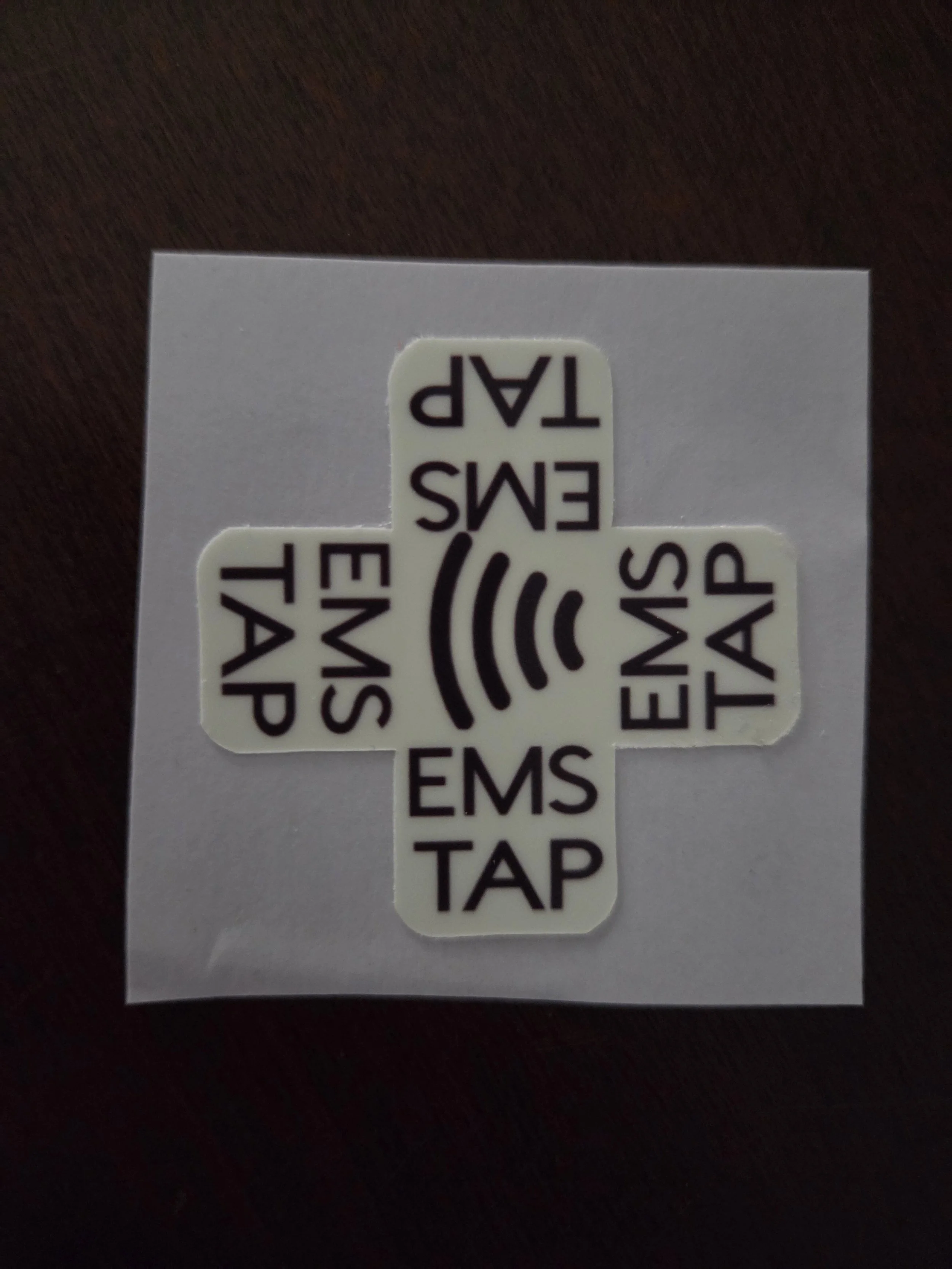 Image 2 of 2
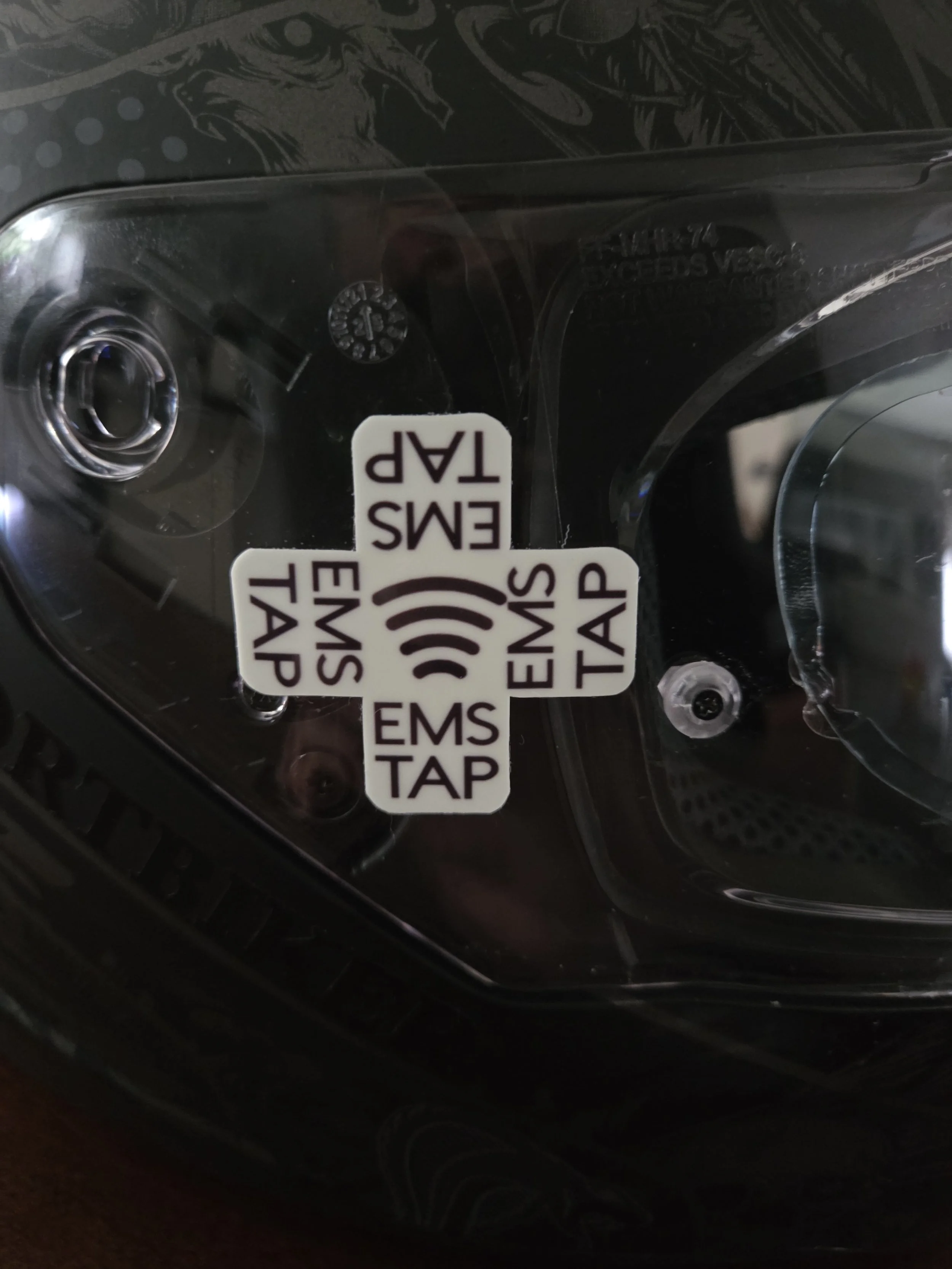
Writable NFC emergency decal. Glow in the dark for maximum visibility. Non metal surfaces only. Size 1.75x1.75 inches
Designed to be used to relay as much information as possible even when cell service is unavailable. For use with the NFC tools app available for apple and android.
Decal is designed to be applied to any surface it will stick to except metal.
Ideal for windows, helmets, non metallic surfaces.
Decal is glow in the dark for maximum visibility. Glow in the dark lasts about 1 hour after constant light exposure.
INSTRUCTIONS:
Download Google docs and NFC tools on android or apple phone, both are free. Create a new document and input information you wish to make available to EMS. Copy all information before opening NFC TOOLS app. Select the write option on NFC tools, add record and text. Then paste information input into Google Docs.
NOTE: there is an emergency tab on NFC tools you can input information on as well.
For IPhone compatibility you will need to return to Google Docs and click the 3 dots in the top right corner of the document, click share and export then copy link.
Return to NFC tools and click write, add record and URL. Paste the URL.
You should see the text above the URL click the write above records, tap to the NFC decal (the cross decal may take a try or two to fully write)
You can password protect the NFC chip to prevent accidental rewrite. Locking is available as well.
WARNING:
ONCE NFC TAG IS LOCKED IT CAN NEVER BE UNLOCKED OR REWRITTEN!!!
Writable NFC emergency decal. Glow in the dark for maximum visibility. Non metal surfaces only. Size 1.75x1.75 inches
Designed to be used to relay as much information as possible even when cell service is unavailable. For use with the NFC tools app available for apple and android.
Decal is designed to be applied to any surface it will stick to except metal.
Ideal for windows, helmets, non metallic surfaces.
Decal is glow in the dark for maximum visibility. Glow in the dark lasts about 1 hour after constant light exposure.
INSTRUCTIONS:
Download Google docs and NFC tools on android or apple phone, both are free. Create a new document and input information you wish to make available to EMS. Copy all information before opening NFC TOOLS app. Select the write option on NFC tools, add record and text. Then paste information input into Google Docs.
NOTE: there is an emergency tab on NFC tools you can input information on as well.
For IPhone compatibility you will need to return to Google Docs and click the 3 dots in the top right corner of the document, click share and export then copy link.
Return to NFC tools and click write, add record and URL. Paste the URL.
You should see the text above the URL click the write above records, tap to the NFC decal (the cross decal may take a try or two to fully write)
You can password protect the NFC chip to prevent accidental rewrite. Locking is available as well.
WARNING:
ONCE NFC TAG IS LOCKED IT CAN NEVER BE UNLOCKED OR REWRITTEN!!!